Showing posts with label Player Apps. Show all posts

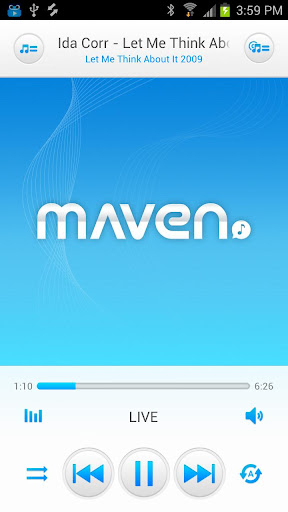
MAVEN Player v1.17.76 APK


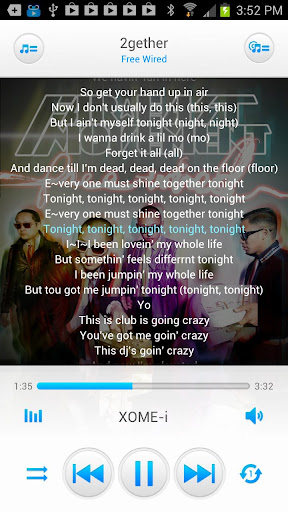
Take a music trip with MAVEN Music player, and find out its fantastic control features and unbeatable audio quality!

MAVEN Music Player (3D,Lyrics)
It delivers all the Maven 3D surround effect which presents dynamic and fantastic sound to listeners with real time synchronized lyrics.
Even when using external stereo speakers, multi-channel virtual surround effect offers you highly immersive listening environment.
MAVEN Solution (Multiform Audio Virtualizing & Enhancing Nexus) 
1. XOME-i
No headaches, no hurting ears on earphone use. Sound comes out of head and ears, so it creates a feeling like listening through speakers while using earphones and headphones. It provides richer and cleaner sound quality. Enjoying High fidelity audio is available on mobile devices with XOME-i.

2. LIVE 
Realization of 3 dimensional presence of powerfully reverberating sound when listening with earphone or speaker by creating the feeling of appreciating music in an actual live concert hall.

3. MEX
Reinforce insufficient reproductive capability of low-pitched and high-pitched sounds, while reinforcing stereo component of sound in order to further widen width of the stereo sound.

4. EQUALIZER 
Equalizer will adjust levels of each frequency band of sound, enabling the user to adjust the quality of a tone to his taste.
This Solution is provided with a type that the user can adjust levels of each band like 9 band, or in preset type or in userset type. Provided preset can be configured with maximum 13 kinds including VOICE, JAZZ, CLASSIC, ROCK, DANCE, etc.

5. EVS 
Now, you can enjoy virtual surround sound through your normal stereo speakers. Virtual 5.1 Speaker is a solution that enables creation of wider and affluent stereo sound images under such environment. Voices are placed in front of you and ambient sound appears all around you… just like a live performance
Features:
  • MAVEN Effect(3D sound)
    • XOME-i(Externalization), Live(Reverberation), Mex(Maestro), EVS(Virtual Speaker)
    • 9 band graphic equalizer, 13 default preset (Voice, Jazz, Classic, etc), Custom preset (Save, Remove)
  • Response Curve of Equalizer
  • Volume Control (Media Volume, Pre Volume, Left/right channel adjustment)
  • Display lyrics in tag including lyrics search via Alsong plugin
  • Brightness control
  • Play music by artits, albums, songs, playlists, genres and folders
  • Songs search
  • Songs Rescan
  • Playlist management
  • Multi Select, Delete, Play, Add to Playlist
  • Rename
  • Repeat and Suffle
  • configurable widget types (size: 4x1, 4x2, 4x4)
  • Read Phone state (In order stop/resume playback during incoming / outgoing calls, 
  • Player requires read only rights to read phone state)
  • BlueTooth
  • Lock Screeen
  • Sleep Timer
  • Fade In/Out
  • Ringtone
  • Moving the SD Card
  • Help of Play, Volume, Effect
Language Translations:
  • English
  • Korean
  • Chinese
  • Japanese
What's new in this version : (Updated : Jan 22, 2014)
  • Add lyrics supported formats (flac, m4a, ogg by tag).
  • Fix led notification control.
  • Add album art by notification Control.
Required Android O/S : 2.2+

Screenshots :


Instructions:

  1. Download
  2. Extract If Downloaded File Is Compressed (RAR or ZIP)
  3. Install APK
  4. Launch the App
Download from worldpapa.com


Get it from play store :

SoundHound v5.8.0 APK


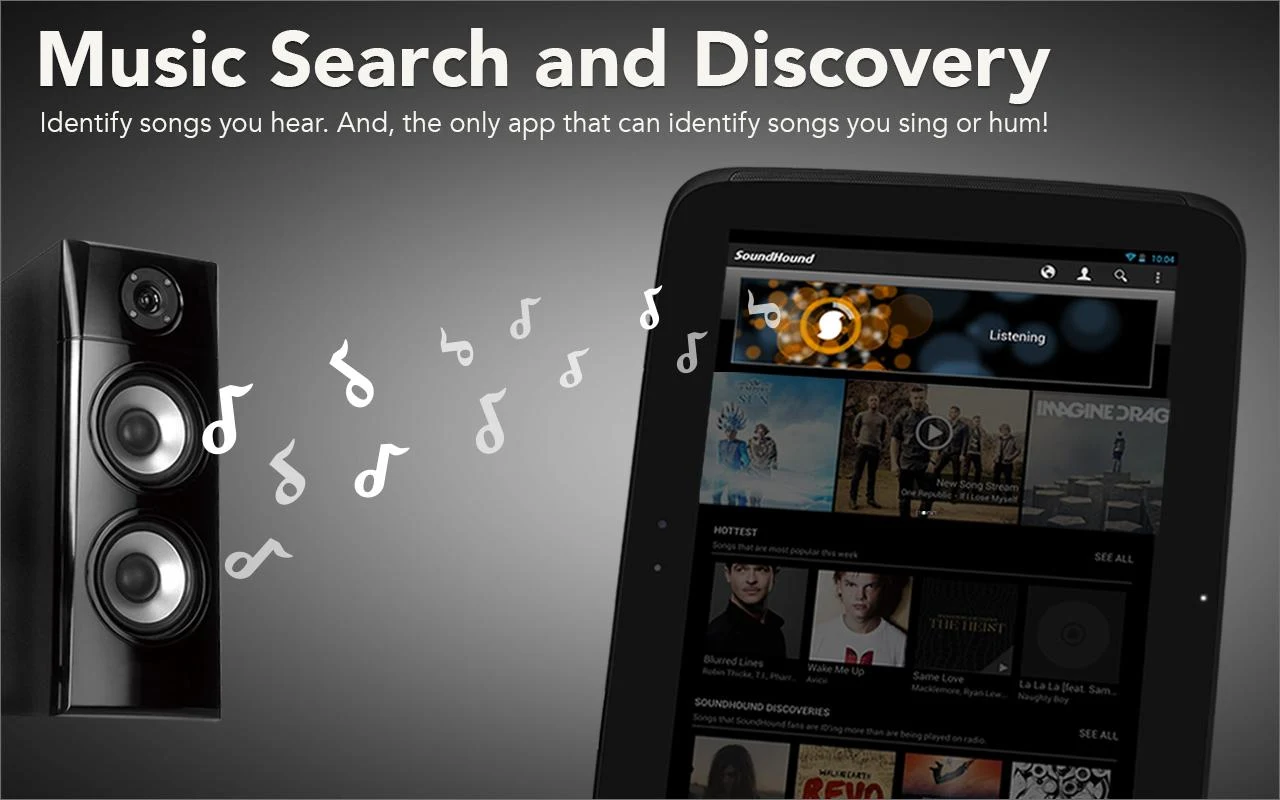
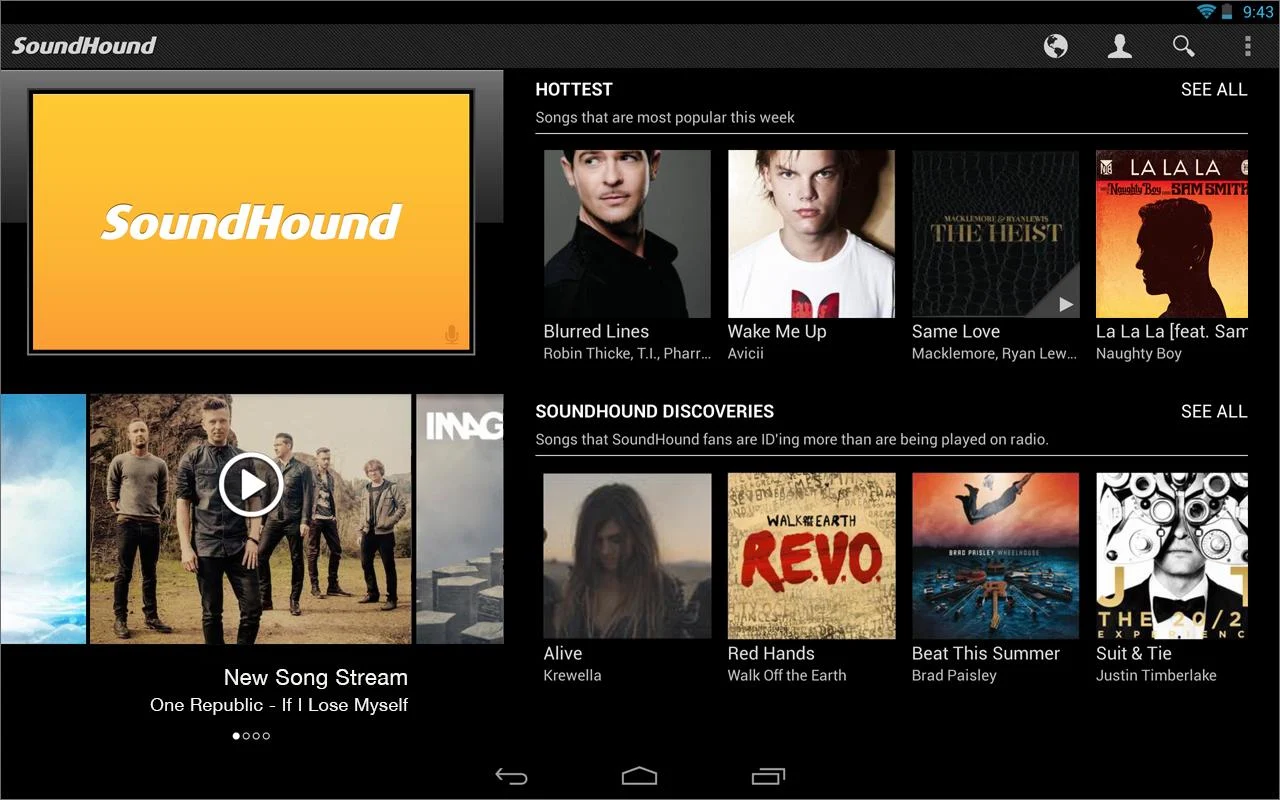
What's that song? Identify it FAST with SoundHound !

SoundHound
What's that song? Identify it FAST with SoundHound.
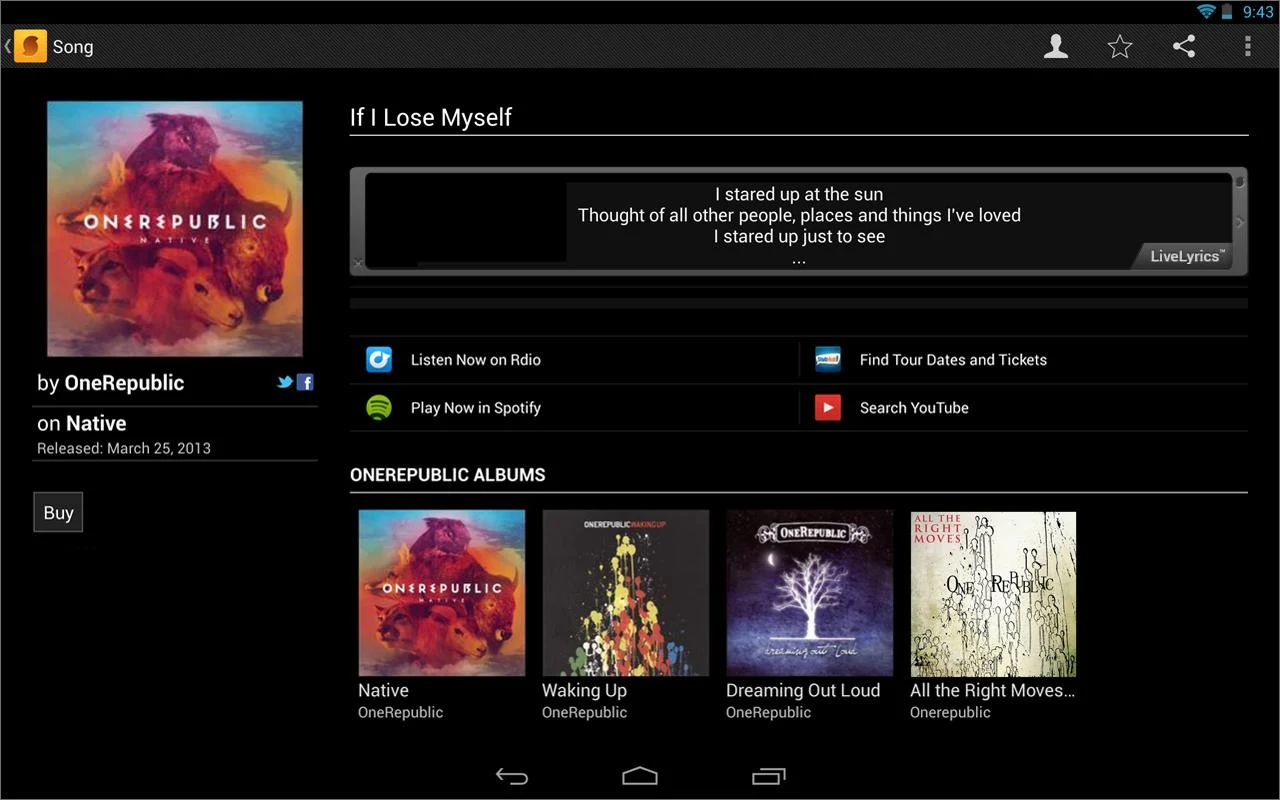
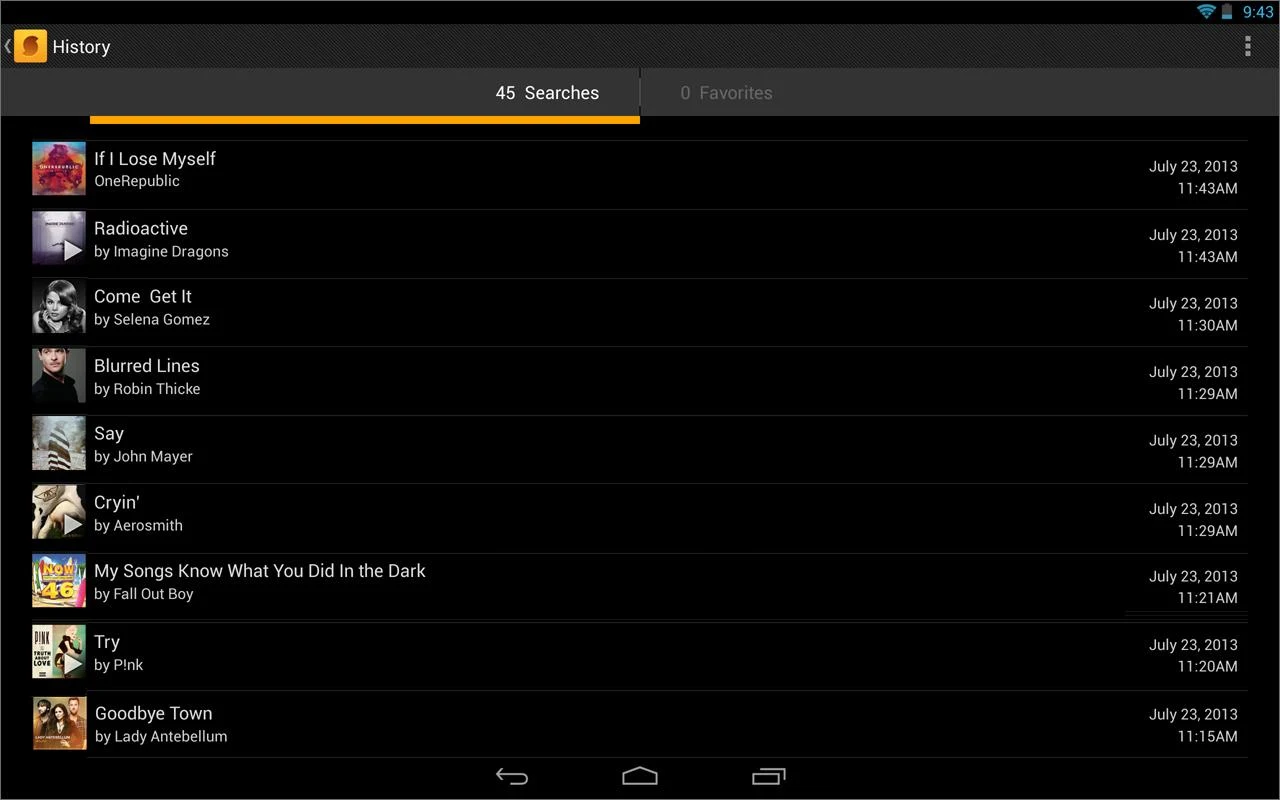
Unlimited music recognition! With the world's fastest music recognition and exclusive singing search, SoundHound is instant music search and discovery.
SoundHound includes:
♪ The world's fastest music recognition: name tunes playing from a speaker in as little as four seconds.
♪ The world's only viable singing and humming recognition
♪ Song Previews
♪ Lyrics
♪ LiveLyrics (in the U.S. and Canada): see Lyrics in time with the music for music recognition!
♪ Music Videos
♪ Share to Facebook and Twitter instantly
♪ Home screen widget allows you to identify music without launching the app
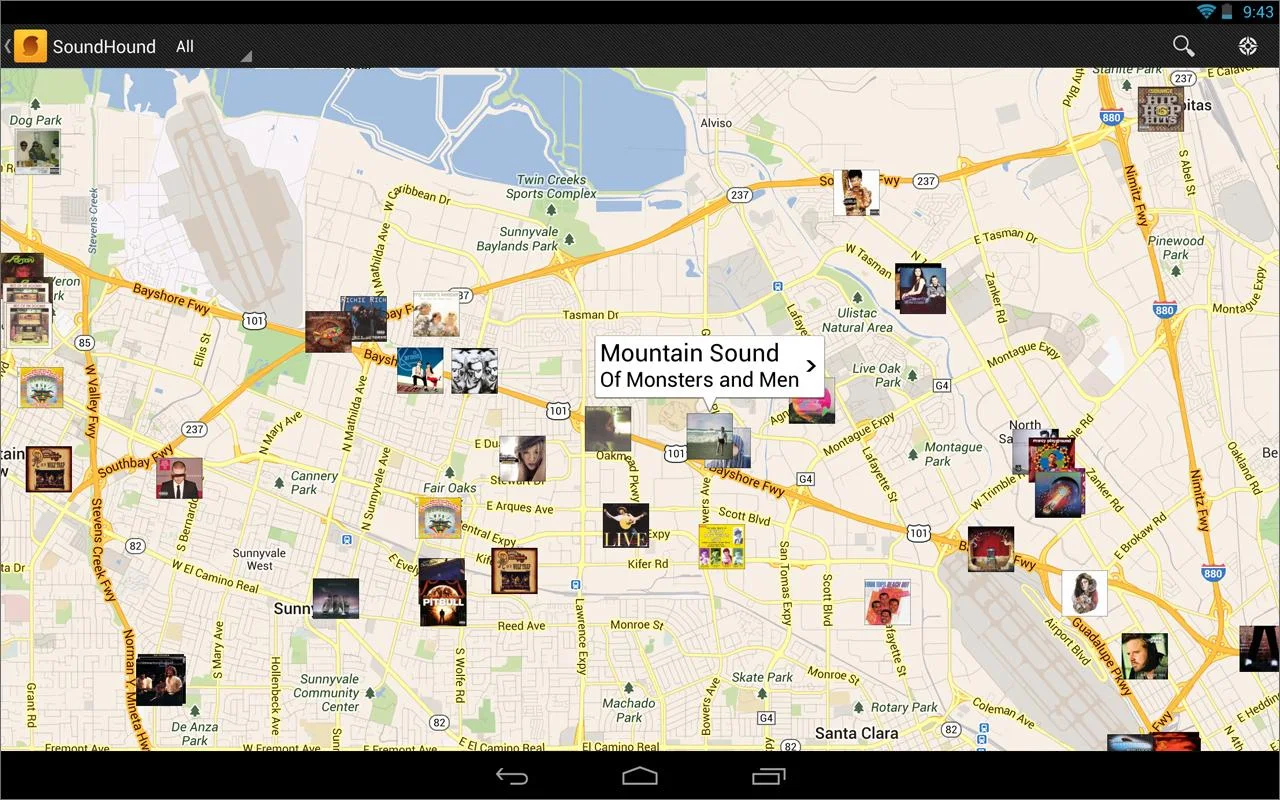
♪ Geo-tagging, buy links, and more...

What's in this version : (Updated : Jan 22, 2014)
  • Fixed a few pesky bugs
Required Android O/S : 1.6+

Screenshots :
SoundHound ∞ - screenshot

SoundHound ∞ - screenshot

SoundHound ∞ - screenshot

SoundHound ∞ - screenshot

Instructions:

  1. Download
  2. Extract If Downloaded File Is Compressed (RAR or ZIP)
  3. Install APK 
  4. Launch the App
Download from worldpapa.com


Get it from play store :

ZPlayer v3.99.16 APK


ZPlayer
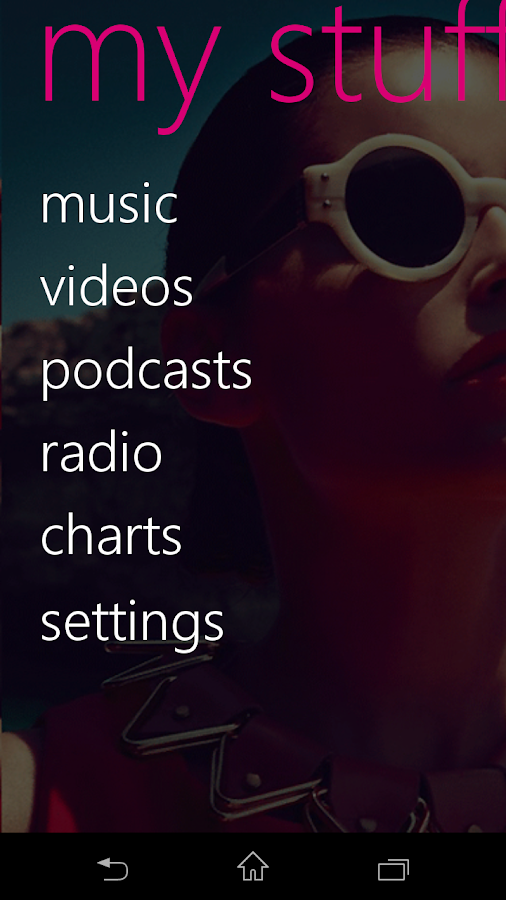
Welcome to ZPlayer a Windows Phone 7 / Zune themed player, a better richer and more interactive media player.
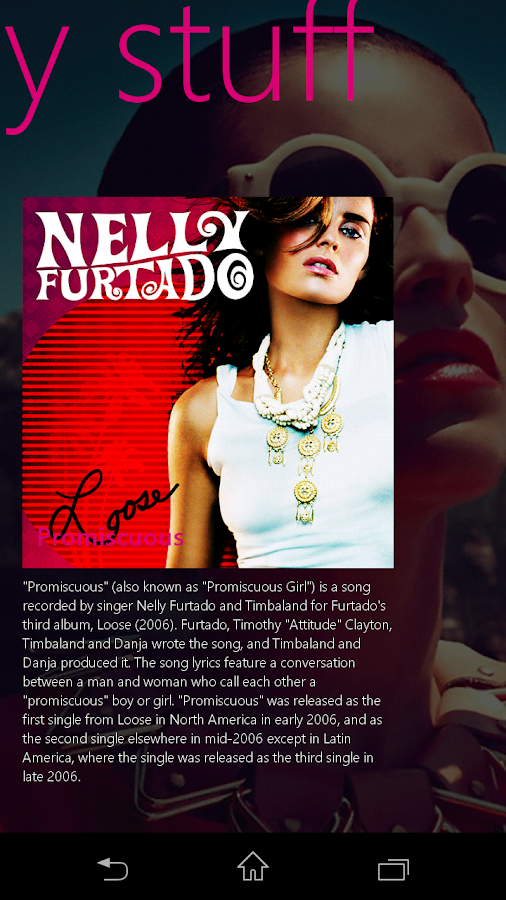
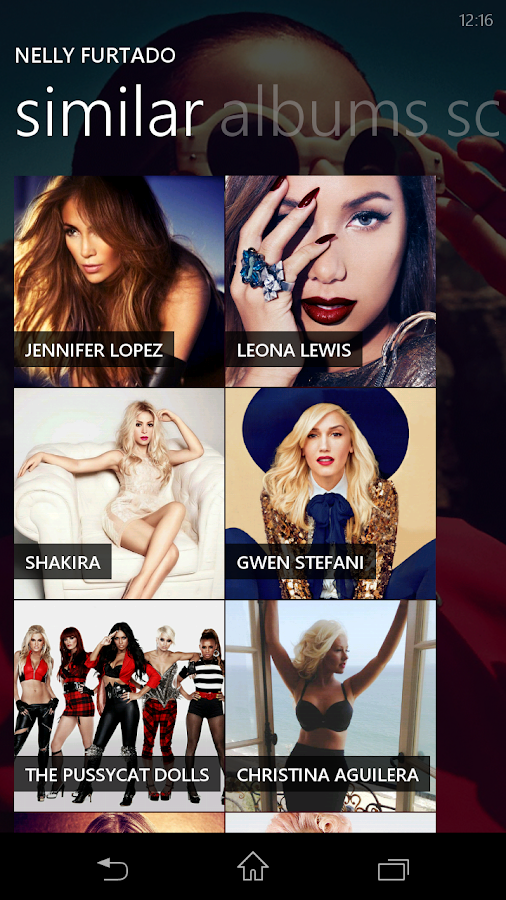
Get album reviews, artist biographies, top tracks, playlists, related artists and podcasts (audio/video) all in one application.
+ Swiping the home screen to the left/right shows the 'current playing' song and listening history. 
+ To jump to the 'now playing' screen, use the volume controls to reveal the music controls, and then tap on the song name(in bold) or the artist name.

Now with more widgets, fast forward and rewind controls, headset controls home screen customization, equalizer, audio effects. You can start with your own media, and learn about other artists, other tracks and what other people are listening too. Pair this media player with a last fm account and submit likes, now playing status, and scrobble tracks.

Note:
The Application uses android framework Audio Effect API, this API was introduced since android 2.3. Therefore only devices that have at least Android version 2.3 will be able to take advantage of this feature.

if you use a third party equalizer that controls the output mix for all media playing on the device, disable it before using this application. This application needs to control its own audio effects.
* audio effects implemented include Equalizer, Bassboost and Virtualizer based on Android 2.3

What's in this version : (Updated : Jan 20, 2014)
  • Bug fixes (Many Android 4.4+ fixes)
  • Added radio station search by Artist
  • Fixed issues with downloading certain podcasts
Required Android O/S : 2.1+

Screenshots :
ZPlayer - screenshot

Instructions:

  1. Download
  2. Extract If Downloaded File Is Compressed (RAR or ZIP)
  3. Install APK
  4. Launch the App
Download from worldpapa.com


Get it from play store :

Archos Video Player v7.5.35 APK


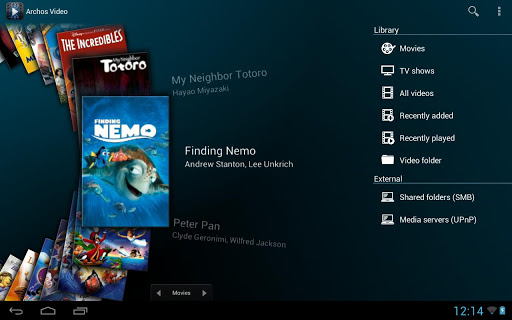
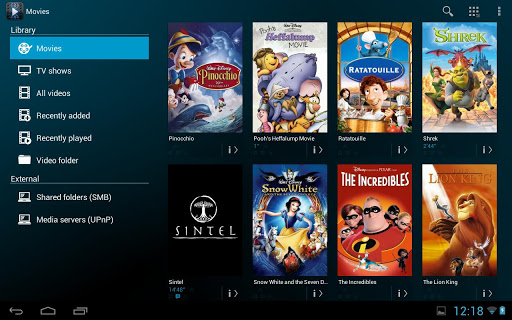
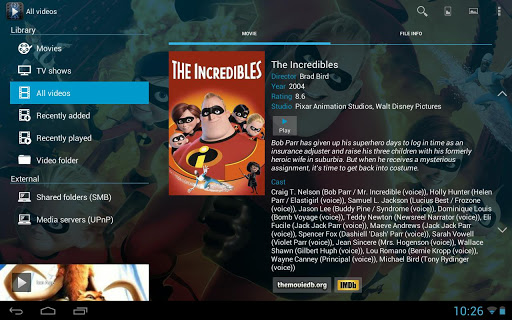
ARCHOS makes Video Player app available for all Android tablets and phones!

Archos Video Player
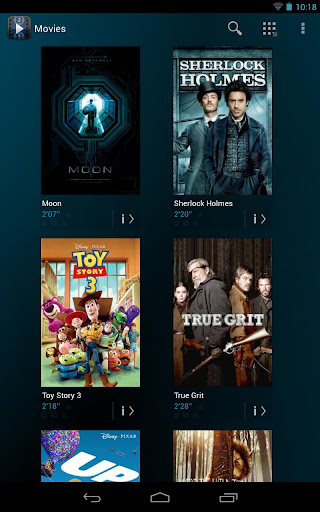
The critically acclaimed Archos video player app offers an uncompromised multimedia experience.
  • Hardware accelerated video decoding support for most devices andvideo formats;
  • Ability to play content from any computer/network storage in your local network (SMB and UPnP) or from an external USB storage device;
  • Automatic online retrieval of Movie and TV show information with poster and backdrop for both local and network content;
  • Integrated subtitle downloader;
  • Network indexing: import remote shared folders (SMB) in your multimedia library;
  • Video browsing with either folder or library based navigation;
  • Ubiquitous access to TV shows sorted in a series/season/episode hierarchical view;
  • Multi-device network video resume;
  • TV friendly: Keyboard/remote control compatible.
Note:
If you experience any issue with video hardware decoding you can force software decoding in Archos Video Playerapplication settings to watch your video.

What's in this version : (Updated : Jan 20, 2017)
  • Fix cover image not loaded anymore due to tmdb.org change of API
  • Support for x86 Intel architecture (e.g. Samsung Galaxy Tab 3 10.1)
  • Fix network share scanning refresh status display
  • Better handle subtitle download failure
  • Fix being set back to root folder after entering credentials for network share
  • Fix various crashes
Required Android O/S : 4.0.3+

Screenshots :


Instructions:

  1. Download
  2. Extract If Downloaded File Is Compressed (RAR or ZIP)
  3. Install APK
  4. Launch the App
Download from worldpapa.com


Get it from play store :

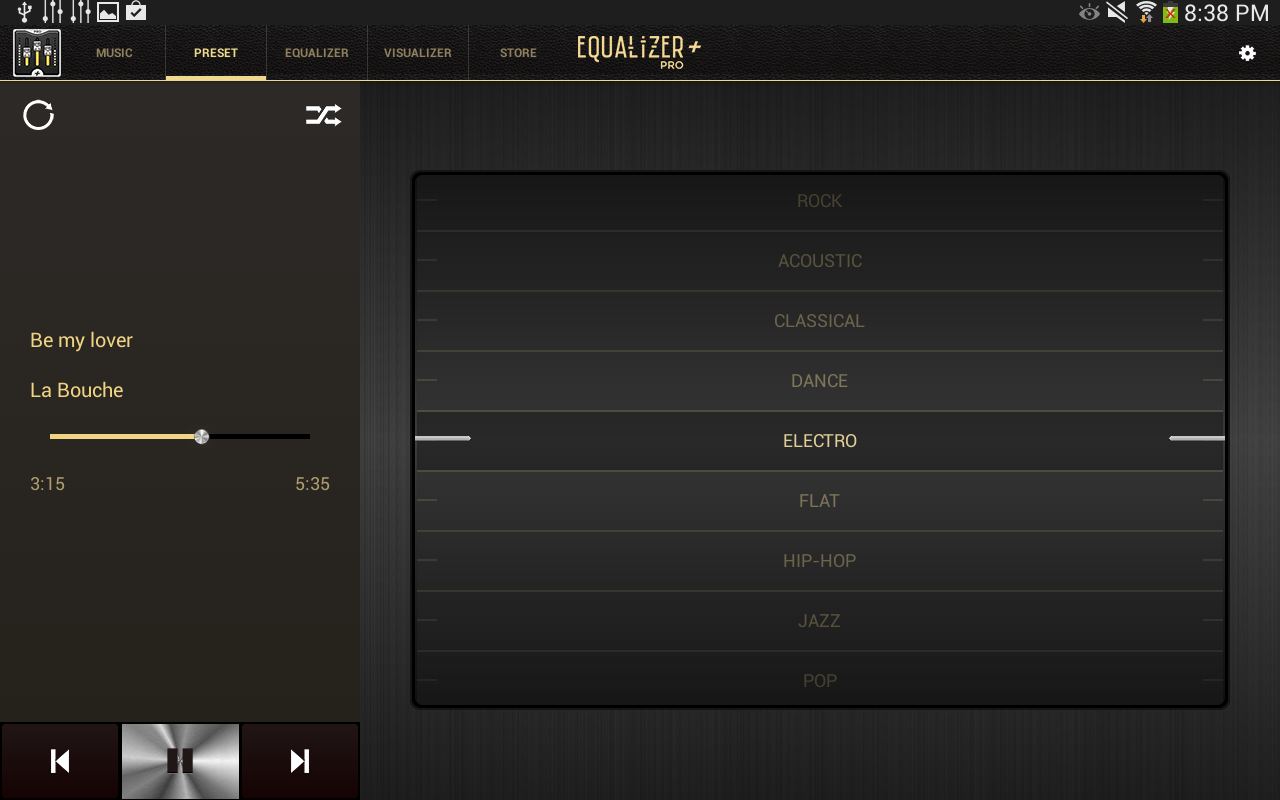
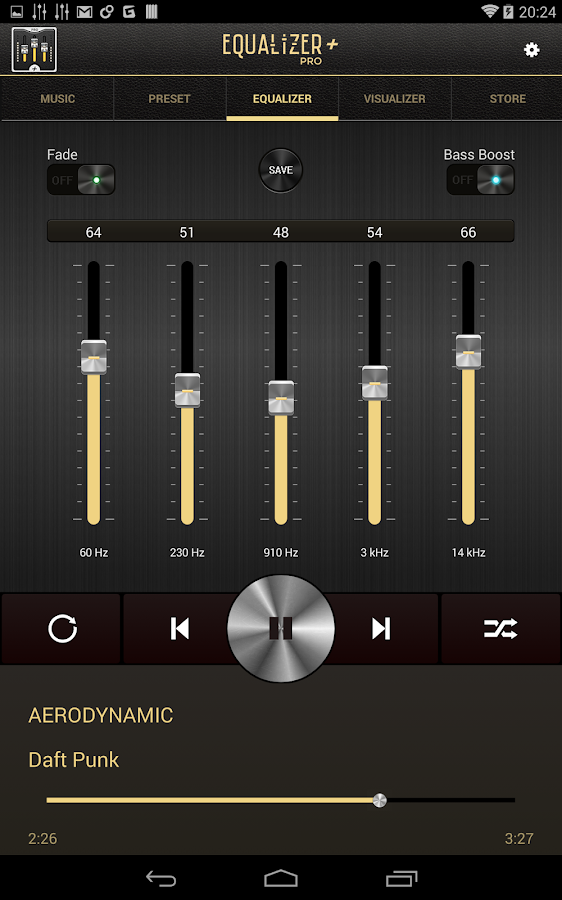
Equalizer + Pro (Music Player) v0.5 APK


Equalizer + Pro (Music Player)
A must have to listen to your music!
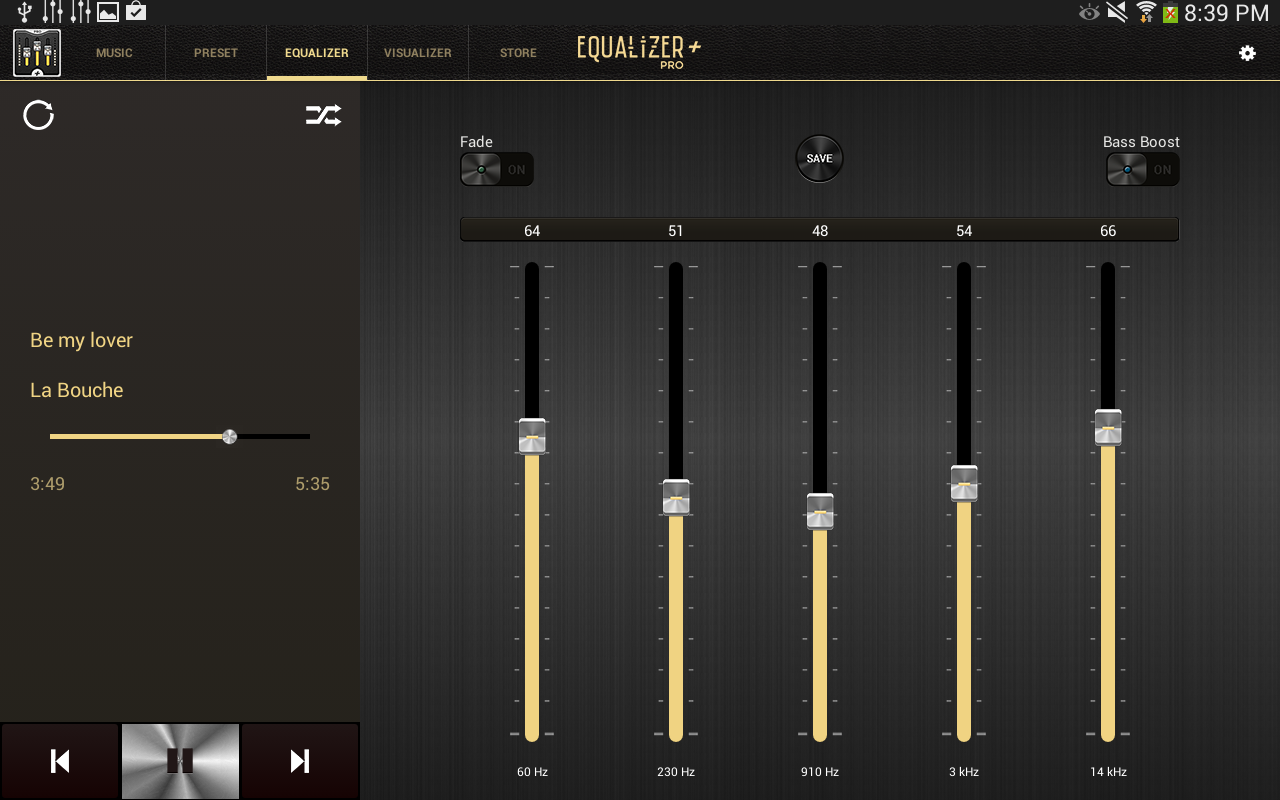
The premium version natively includes:
  • BASS BOOST: to boost the volume of your bass like never before! 
  • SAVE” option to record your customized frequency presets 
  • Possibility to edit and/or delete your presets 
  • “FADE”: to ensure a smooth string of music 
  • “DUALSCREEN” option to display your equalizer on a second screen
Features:

  • 5 bands equalizer (from low bass to highs) 
  • Audio player (directly available in the app) 
  • Unlimited access to your native music library (you can order your songs by album/title/artist or playlist) 
  • Background play mode (to keep playing your songs while you consult other apps or while your device is in stand-by mode) 
  • Music search available 
  • 11 equalizer presets based on different music genres 
  • Double-clic option to quickly and easily reset the volume of the frequency filters 
  • Visible music progress bar 
  • “Repeat” function to keep listening to your songs over and over again (3-status button: repeat one song, repeat a whole playlist, no repetition) 
  • “Shuffle” function: plays your songs in a random order 
  • Media Bass volume control 
  • Vintage and refined design 
  • Professional sound rendering 
  • Simple and friendly user interface 
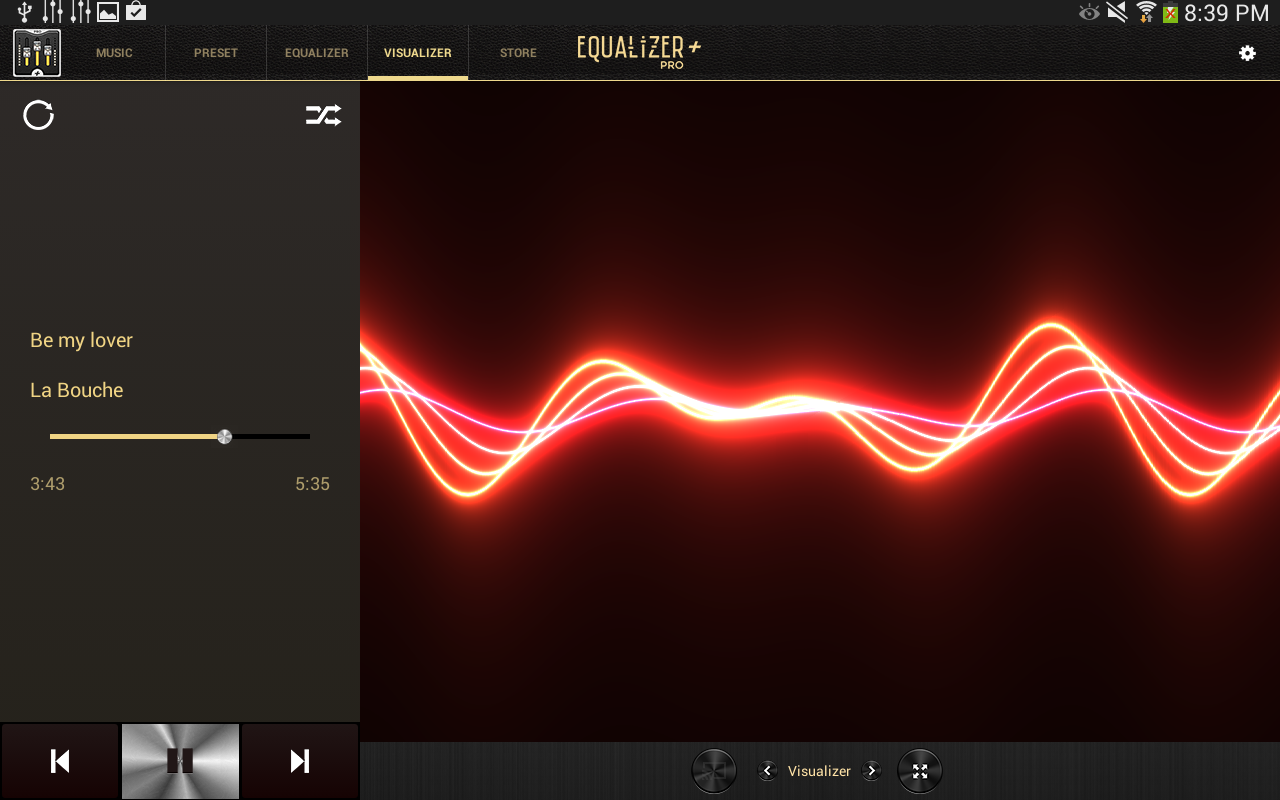
  • Visualizer window: one audio spectrum animation is provided with the app (like on the former Windows Media Player). You can display the visualizer in full-screen.
Exclusive options to discover: 
  • VISUALIZER to give birth to your sound: watch the sound move directly from your mobile, the way one used to with Windows Media Player
Boost and improve your sound quality and volume thanks to Equalizer+! Equalizer + is both a music track player and a frequency equalizer. Access your own music library directly from the app. Set the frequencies you like for your songs and save your presets. Equalizer + enables you to control 5 different band frequencies. Adjust each filter to bring out the best in your music. More to the mow frequency filters, you’ll have the possibility to amplify even more your bass sounds thanks to the Bass Booster option. Finally, you’ll be able to visualize your sound thanks to a spectrum analyser, directly available from the app.

Rediscover your music thanks to the new equalizer app! Plug in your headphones or turn your speakers on, and listen to your songs as if you were in a studio. Enjoy volume at its best! There’s nothing like a good equalizer to boost your parties or just boost your music listening experience.

The available presets are:
• Acoustic
• Classical
• Dance
• Electro
• Flat
• Folk
• Hip-Hop
• Jazz
• Latin
• Metal
• Pop
• R&B
• Rock

What's in this version : (Updated : Jan 7, 2014)
  • 4 NEW VISUALIZERS: Disco Ball, Color beads, Waves, Chopsticks
  • Music Player Control directly from the Lock Screen: Keep listening to your favorite songs from the lock screen.
  • Bugs fixed
Required Android O/S : 2.3.3+

Screenshots :
Equalizer + Pro (Music Player) - screenshot

Instructions:

  1. Download
  2. Extract If Downloaded File Is Compressed (RAR or ZIP)
  3. Install APK
  4. Launch the App
Download from worldpapa.com


Get it from play store :
Music Player Remix v1.4.8 APK


Music Player (Remix)
Music Player (Remix) is an advanced music app for Android designed from the ground up to be powerful, yet user-friendly and fun to use.
The app has a large assortment of features, many of which you won't find in any other music app. 
Features:
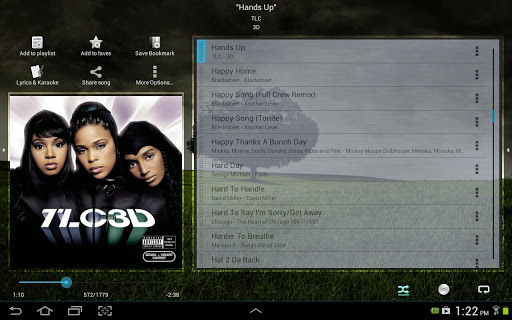
  • Large, finger-friendly controls on phones and tablets. Tap the album art to pause/play & skip tracks.
  • While using other apps, swipe from the bottom of the screen to reveal the "mini-player" allowing you to control your music and view/edit your Now Playing list without leaving other apps.
  • Any time you add songs to your device, the app will issue a notification which when tapped will load those songs into a playlist and play them.
  • From anywhere within the app, swipe from the bottom to reveal music controls and the Now Playing list.
  • From anywhere within the app, swipe from the right side to access your music library, search function, help, preferences, and aesthetic options including wallpaper & menu color customization.
  • From anywhere within the app, swipe from the left side of the screen to access your faves (one-touch access to songs/albums/artists), playlists, and autolists (auto-generated playlists based upon your listening habits).
  • 5 customizable quick shortcuts are available on the Now Playing screen. Assign various functions to each one included Add to Playlist, Save bookmark, Lyrics, Share song, View YouTube video, and much more.
  • All screens are optimized for portrait and landscape orientations.
  • The Now Playing screen has been optimized for 7" and 8.9"/10" tablets.
  • All library browsing screens have several display and sorting options.
  • Save bookmarks in a song and visual markers will appear on the scrubber bar. Tap previous/next to jump between bookmarks or use the "View Bookmarks" option to select a bookmark.
  • Any time you play a song, a bookmark is automatically saved when you leave the song. To go back to the previous play position in a song, use the "View Bookmarks" option.
  • Download album art for any song or album. Select from several choices with different image resolutions. Album art is embedded directly in the music files.
  • Download lyrics for a song which are embedded directly in the music file (or optionally saved in an external text file). Pinch/zoom the lyrics to change the font size. Feel like singing along? Use the karaoke feature to record yourself as you view the lyrics.
  • Advanced playlist management including drag/drop song re-ordering & multi-add mode. While in multi-add mode, go to any screen within the app and tap songs/albums/artists/genres/composers to quickly add them to the playlist.
  • When viewing an artist, swipe between the song list, the album list, and the artist's wiki page. Wiki options are also available on the album, genre, and composer info screens.
  • Stylish 4x1 and 4x2 home screen widgets.
  • Various lock screen control options including basic controls (ICS+), advanced mini-player controls (ICS+), or the 4x2 widget (Android 4.2+).
  • Fine-tuned controls for quickly skipping backward and forward by 5, 30, or 60 seconds. Long-tap the pause/play tap area to reveal (or hide) the controls.
  • Gapless playback on Jellybean (or later).
  • And much, much more!!!
What's in this version: (Updated : Jan 18, 2014)
  • (Enhancement) Add option when downloading album art to modify search parameters. You can then type in any search parameter to find the optimal album art.
  • (Enhancement) If you're having issues finding lyrics for a particular song, tap the refresh button (bottom-right corner) and you can choose to modify search parameters.
  • (Enhancement) Skip to the next song when tapping Next if in 'repeat current song' mode. If the track ends on its own the song will repeat.
  • Bug fixes
Required Android O/S : 2.3+

Screenshots :


Instructions:

  1. Download
  2. Extract If Downloaded File Is Compressed (RAR or ZIP)
  3. Install APK
  4. Launch the App
Download from worldpapa.com


Get it from play store :